RPG / Interactive Fiction / Simulation ⚡ Runtime LLM
WebLLM In-Browser RPG
Created by MLC AI Direct Web Game
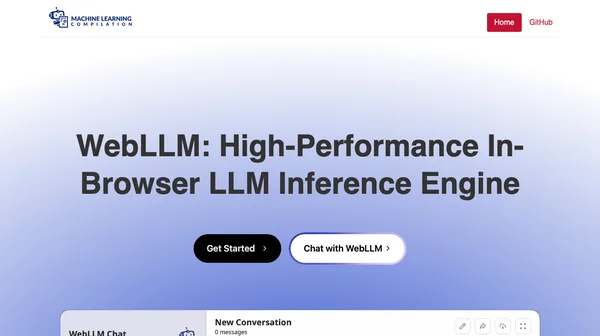
Experience zero-latency, private AI roleplaying and dialogue powered by local language models running directly on your browser GPU.
Touch supported Controls & tipsAI Architecture & Technology
Architecture & Workflow Breakdown
WebLLM leverages the modern W3C WebGPU standard to compile quantized large language models directly into browser graphics memory. The client runs local LLM inference with zero server communication, generating dynamic roleplaying storylines and parsing character decisions completely offline.
About WebLLM In-Browser RPG
WebLLM represents a historic leap forward for client-side web gaming. Built by the open-source MLC AI team, WebLLM enables high-performance Large Language Models—like Meta Llama 3.2 and Google Gemma 2—to run natively in your web browser tab accelerated by your device GPU hardware via WebGPU. In this interactive playground and text adventure demo, you can embark on custom quests, converse with complex NPCs, and navigate dynamic narrative dilemmas with zero server round-trips. Because the weights reside directly in your browser VRAM cache, inference is blistering fast, completely free of token costs, and impervious to server downtime. Most importantly, WebLLM proves that the future of AI browser gaming does not require expensive backend infrastructure or intrusive user tracking. Everything you say and create stays private on your local machine, opening boundless horizons for autonomous indie web game design.
Controls & How to Play
Controls follow standard web interaction: keyboard, touch.
📱 Mobile touch controls supported.